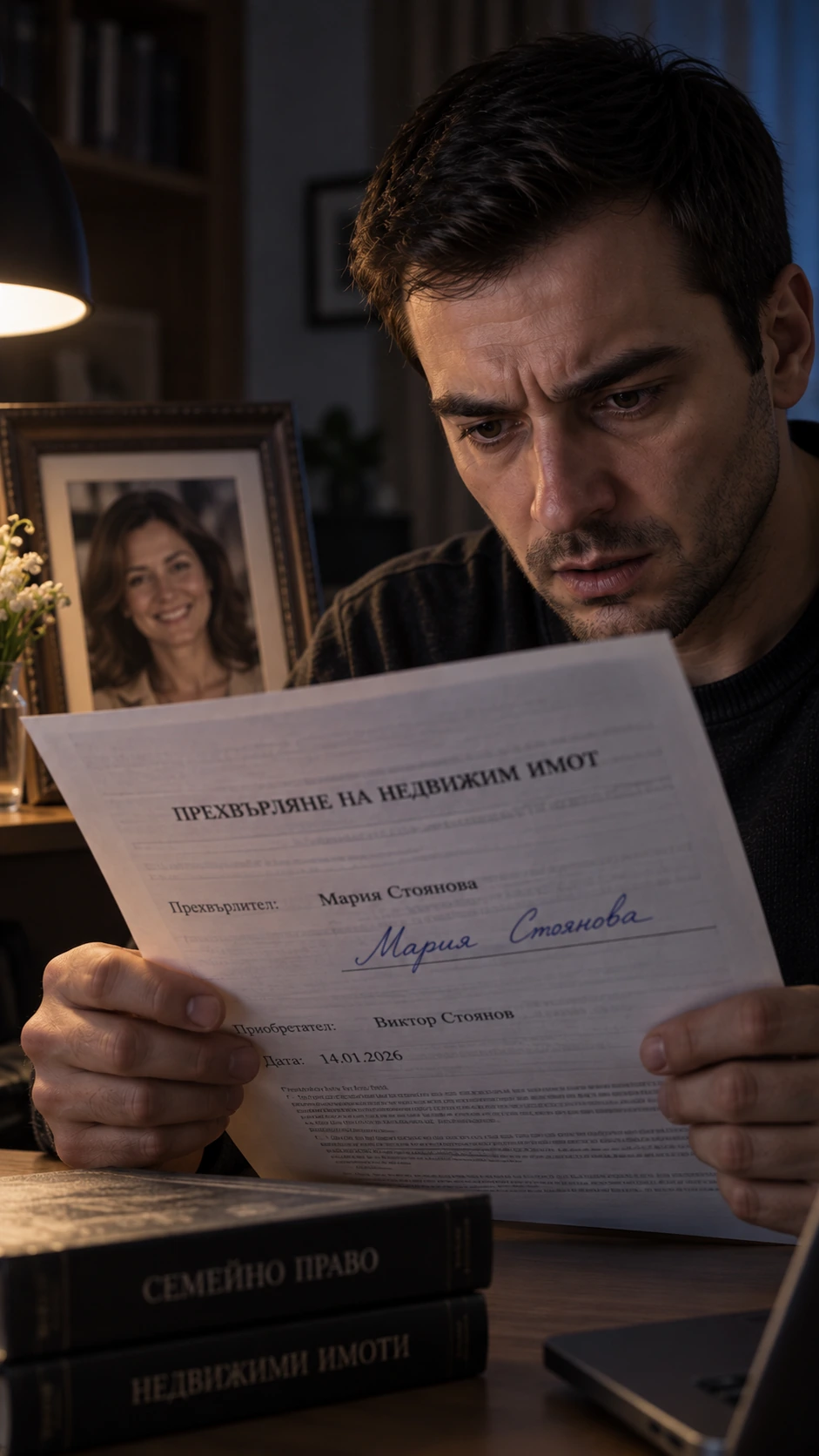
From the first sentence to the final cut. Your story, references and creative decisions stay connected throughout.
INSIDE THE STUDIO
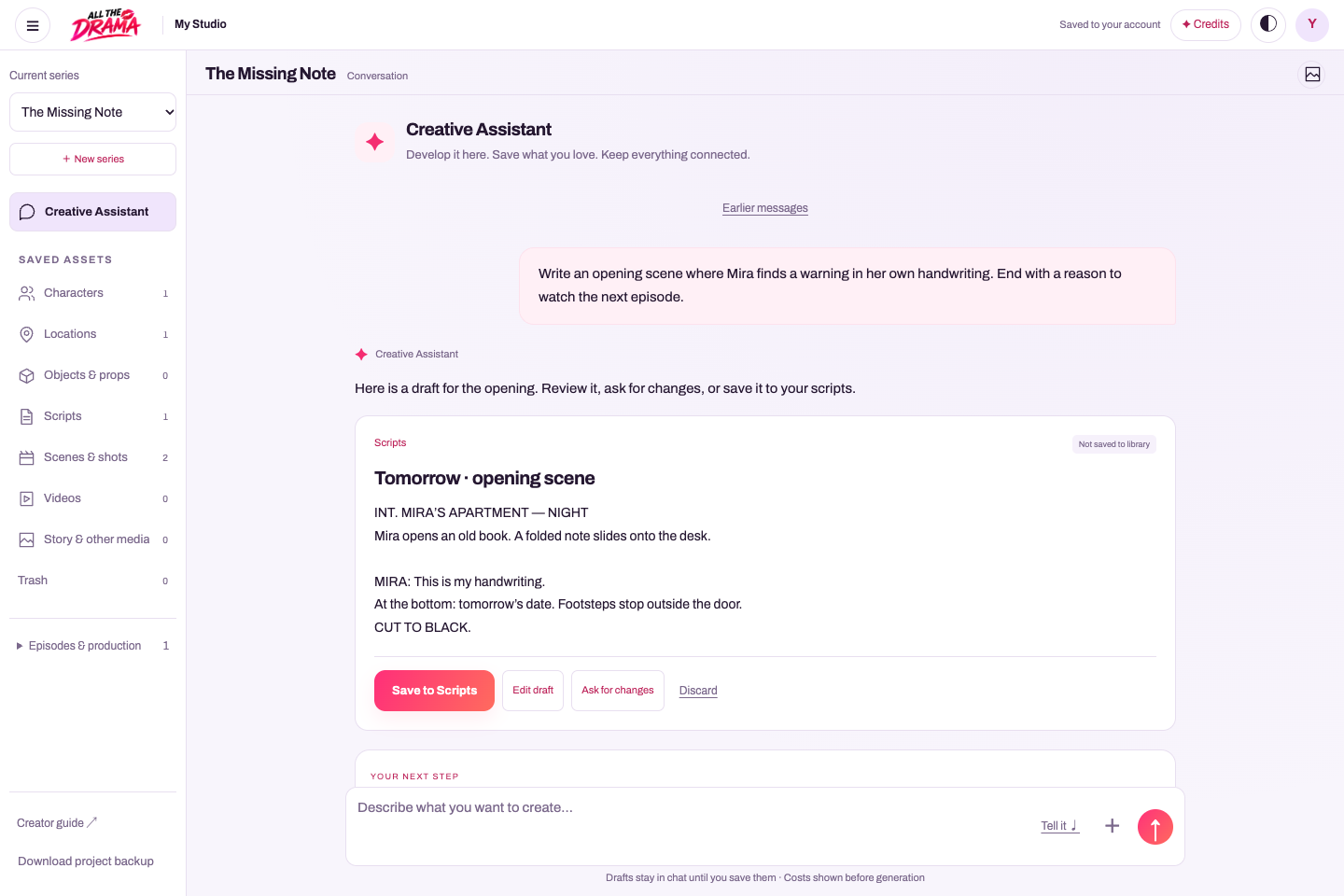
A conversation that becomes something you can create with.
Ask the Creative Assistant for a script, a character or a shot list. Review the draft, save it to your library, and keep building from the same story.
Your idea → an editable draft → a saved asset.
Keep the useful work. Ask for another version or edit it yourself. Saved scripts, characters and locations have their own place outside the conversation.
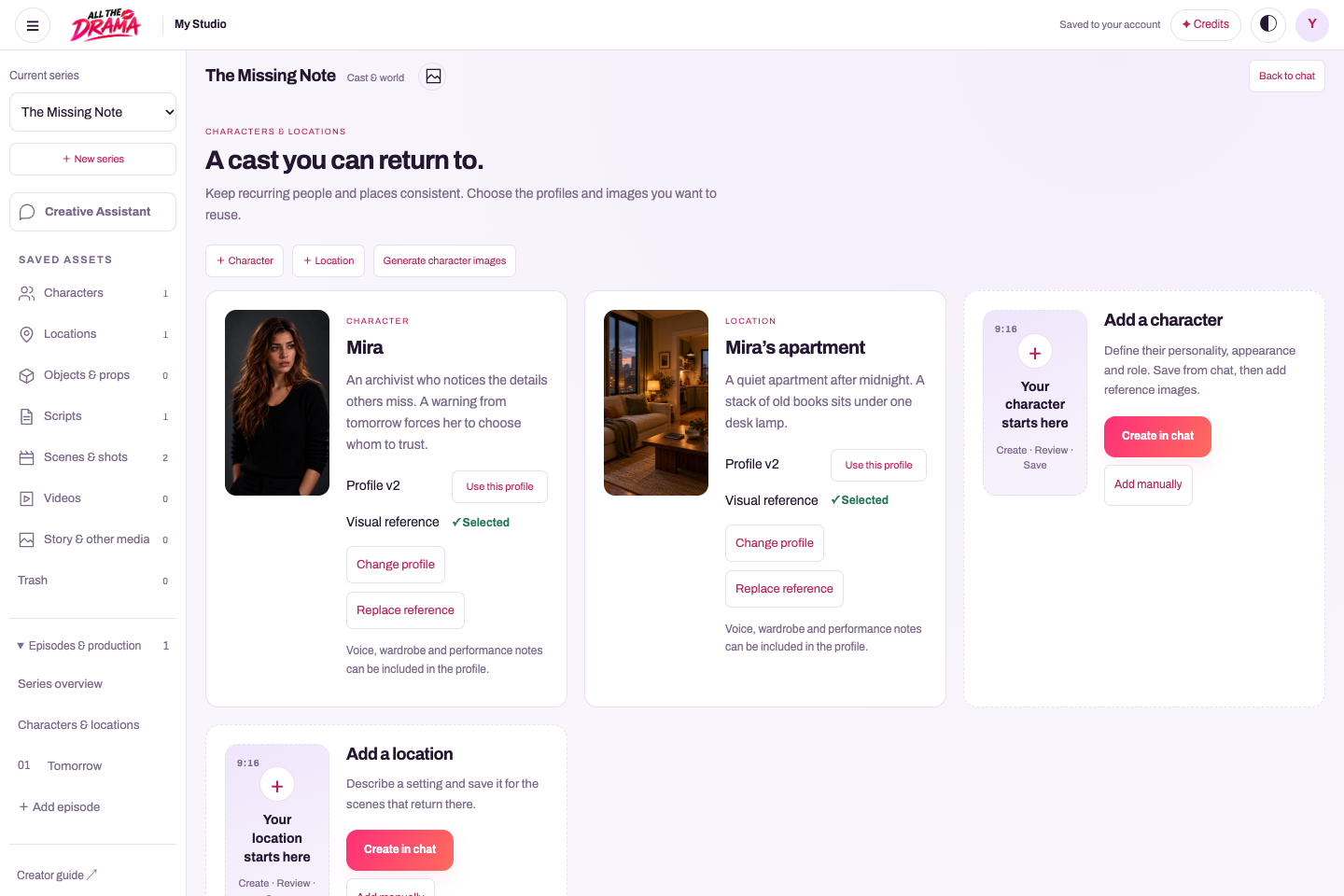
One character. More than one view.
Organise faces, full-body views, wardrobe and locations. Approve the references you want to keep, and review changes before updating shots that use an earlier version.
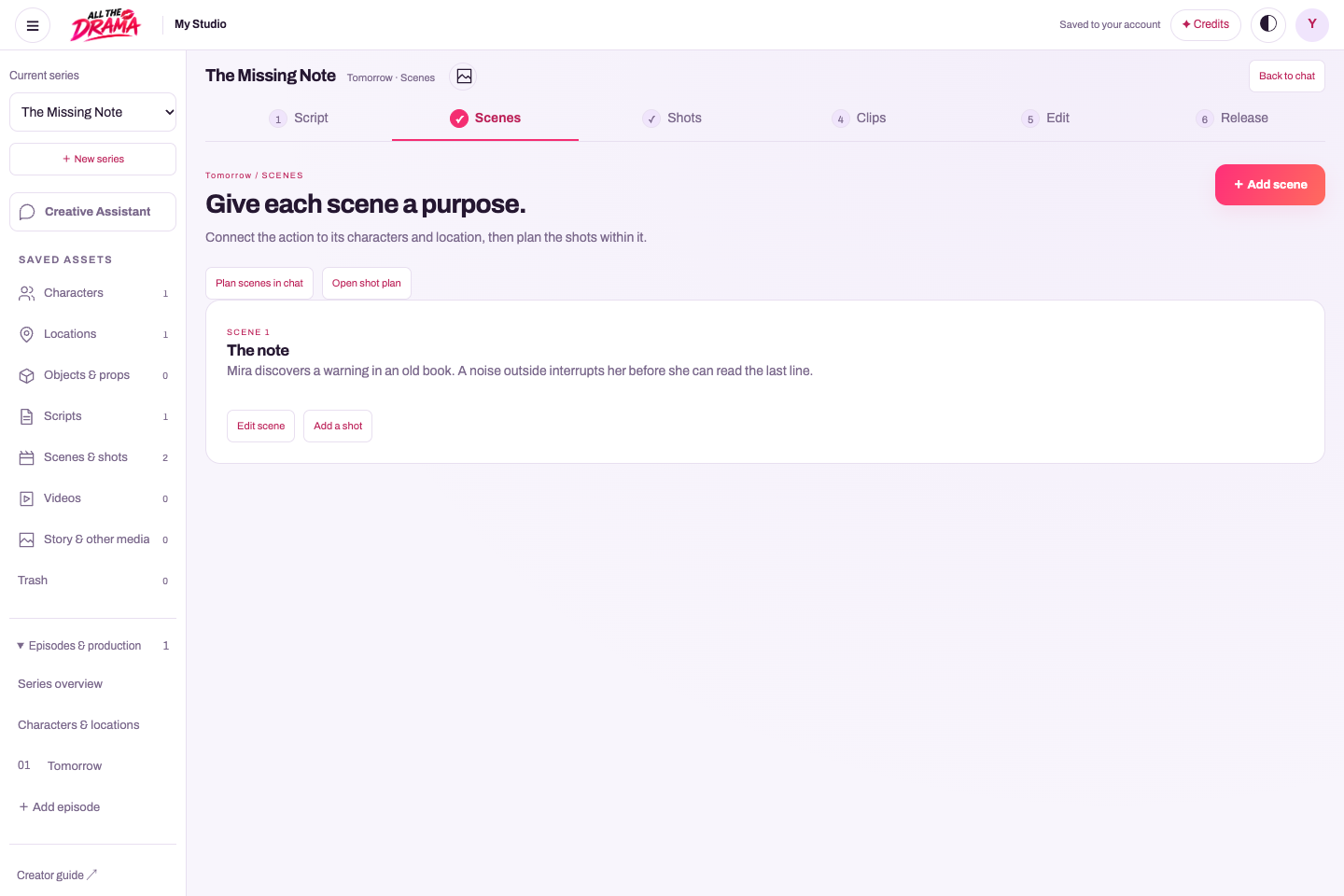
Script → scenes → shots → clips → edit → release.
Plan the action and timing, review generation costs, choose takes and assemble a vertical episode. Prepare its cover, post copy and captions for release.
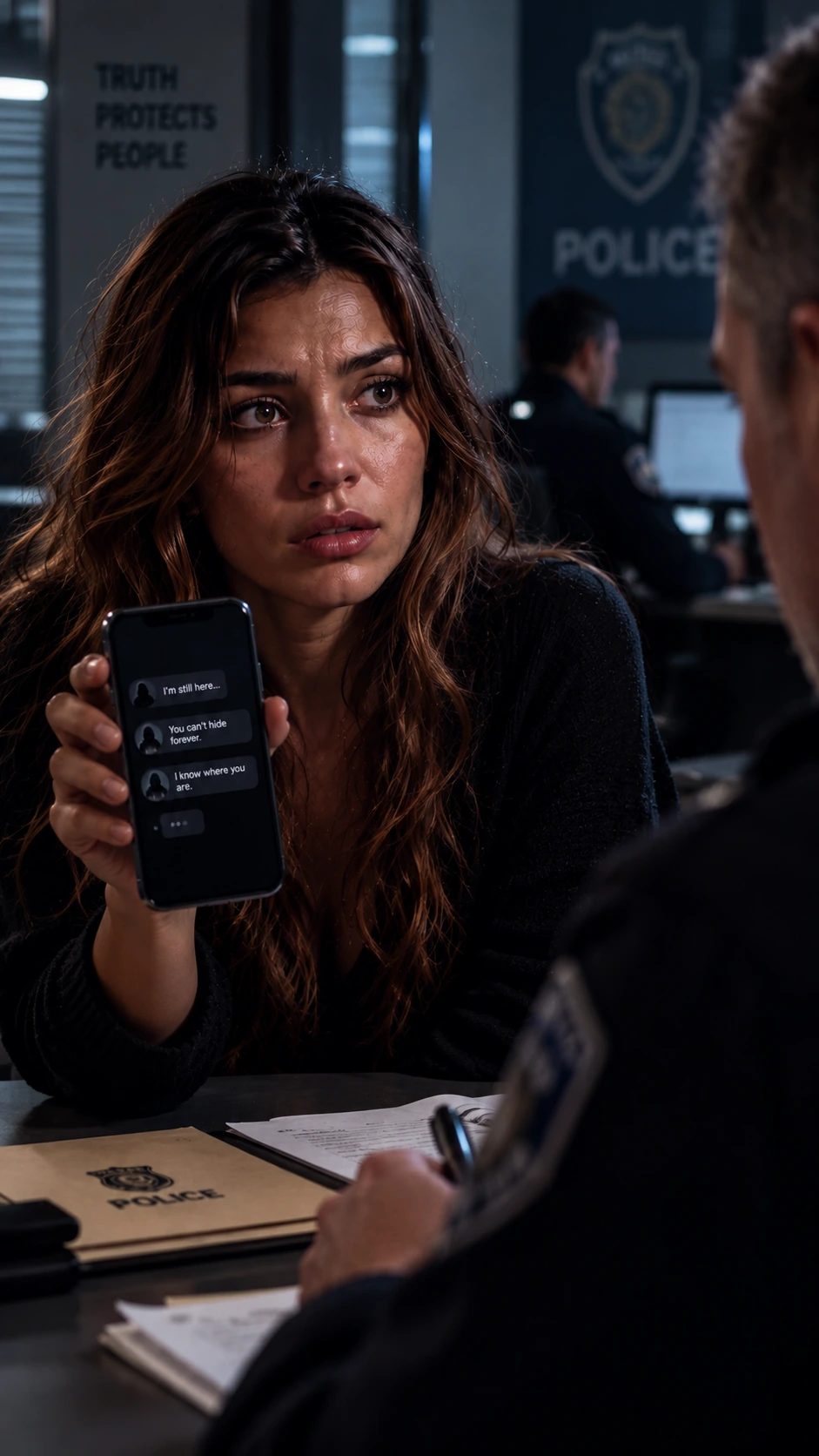
Screenshots of the working Studio with a fictional example project and illustrative reference artwork. Select a screenshot to inspect it at full size.
Describe your idea, speak it aloud or start from a suggested concept you can change. Define the central conflict, your audience and the tone. A clear premise gives every later decision something to build on.
You leave with
A premise, tone and story outline.
Your review
What does the lead want—and what stands in the way?
02 / Story & cast
Make the people and places recognisable.
Develop the story world, characters and recurring locations. Upload images you have permission to use or generate reference options. Review faces, wardrobe, setting and style before approving references for later shots.
You leave with
A story foundation and approved visual references.
Your review
Are the people and places right for the story? Check later results against these references.
03 / Episodes
Give every chapter a job to do.
Choose as many episodes as your story needs. Shape the arc, then write the action and dialogue for each chapter. Give each episode a hook, a meaningful development and a reason to continue.
010203+
You leave with
Episode outlines and editable scripts.
Your review
Does each episode move the story forward?
04 / Shots & clips
Plan the moment before producing it.
Break scenes into shots with framing, movement and duration. Review the storyboard, then use your references to generate takes or upload your own footage. Check the cost of each generation before confirming.
You leave with
A storyboard and selected video takes.
Your review
Compare continuity, framing and performance. Keep the best takes; regenerate only what needs work.
05 / Edit
Make the separate moments feel like one story.
Arrange selected takes on the episode timeline, trim them and adjust audio. Preview the full sequence to check pacing and transitions. You can return to earlier choices without publishing the draft.
You leave with
An assembled episode ready for final review.
Your review
Watch it from beginning to end. Does the timing, sound and sequence work?
06 / Release
Give the finished episode a destination.
Export the final cut and watch the actual file. Prepare a cover, title, description and episode order. Upload episodes or teasers to your social accounts, and use your AllTheDrama series page to bring the story together.
9:16
You leave with
A vertical video export and prepared release details.
Your review
Check the final file, rights, visibility and access settings before release.
Plan first. Spend with intention.
Writing, images and video use creation credit. Review the request and cost before generating.